
The best AI models, built in
Google, ByteDance, Kling, ElevenLabs, HeyGen and more work together behind a single prompt.
The AI shorts video generator that clips your long videos or makes new ones from an idea, then posts them to TikTok, YouTube and Instagram.
Start free, no card needed See how it works
St Lucia travel vlog
38:12Post to
Shorts Generator turns a single prompt into a script, voiceover, visuals and captions, then publishes it for you.
Google, ByteDance, Kling, ElevenLabs, HeyGen and more work together behind a single prompt.
Give it a topic or a rough thought and get the hook, script and scenes written for you.
Every step of the edit runs automatically. No timeline, no juggling apps.
Plan a content calendar once, then publish to every platform in one click.
Make AI shorts, talking avatars, UGC ads and captioned clips from one dashboard.
Every video comes out 9:16 with captions and a voiceover, ready for Shorts, Reels and TikTok.
Explore leading models for AI video, image generation, editing, and cinematic storytelling.


The best video models, with script, voice and captions, all from a line of text. Pick a style if you like; we handle the rest.
Prompt
 Cartoon 3D
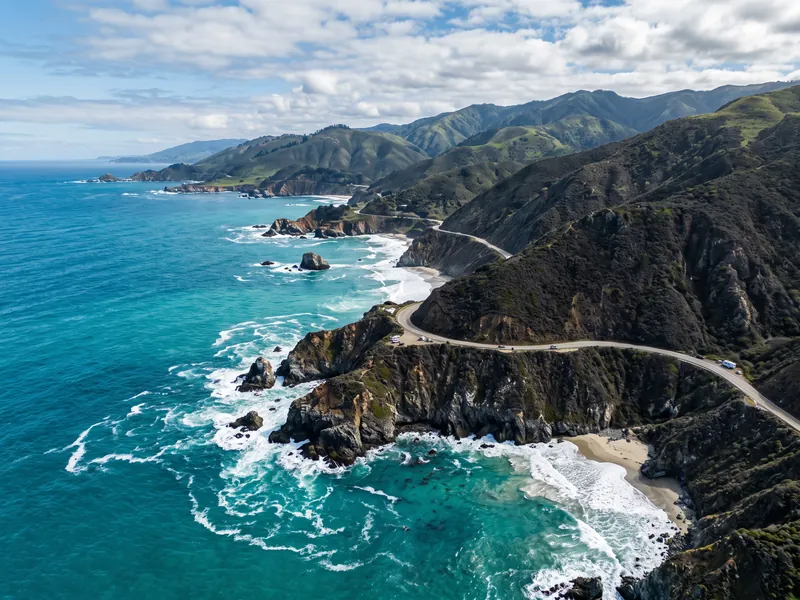 Drone
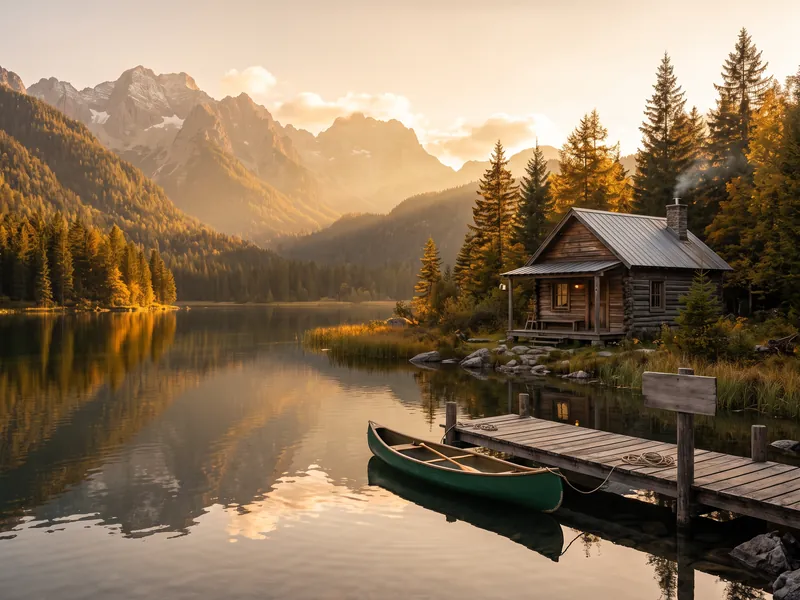 Golden hour

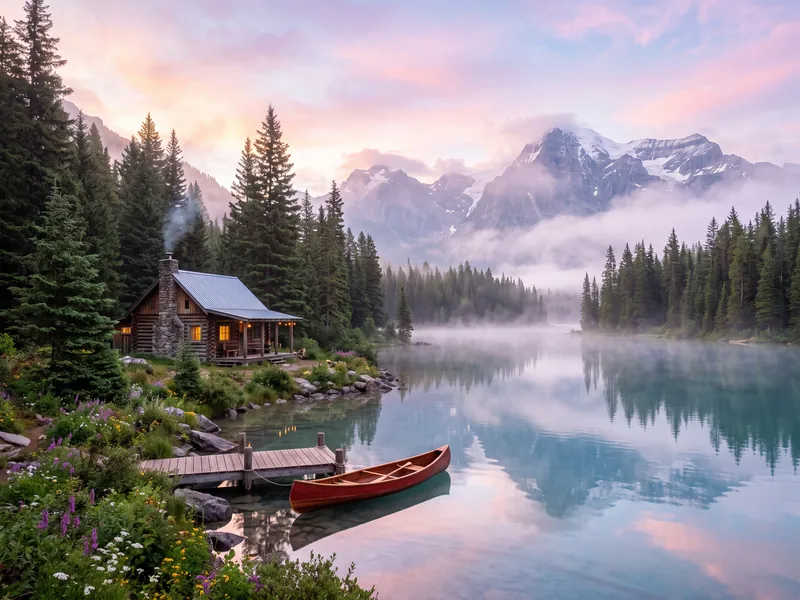
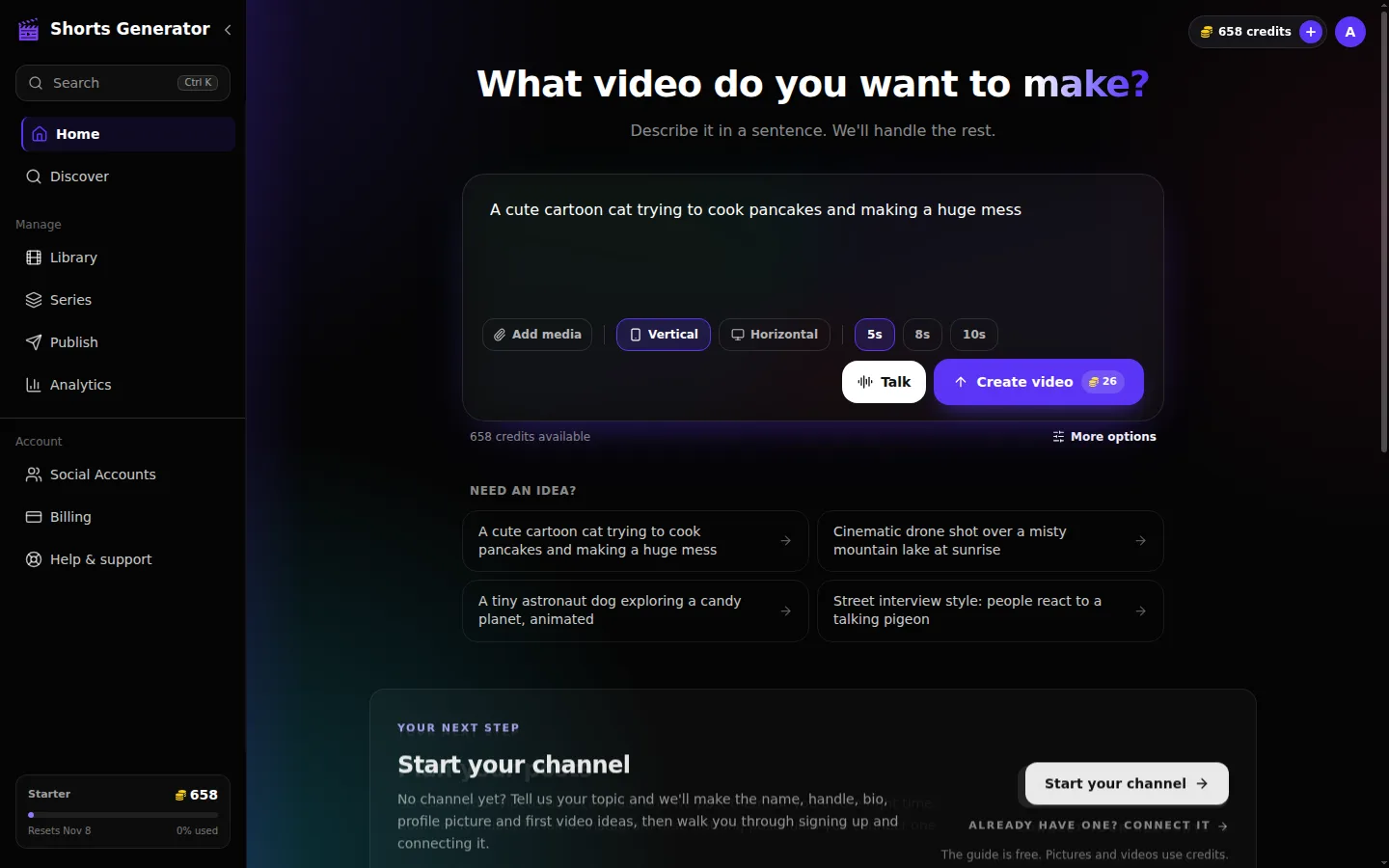
Describe the video in a sentence. Add a camera move, a look and a mood from the Style picker, or your own images and clips, and get a finished short in a few minutes.
Vertical for Shorts, Reels and TikTok, horizontal for YouTube, and square where the model allows. Pick the shape before you create, and it's ready to post.
Turn one topic into a run of videos that are made and posted for you, so your channel keeps growing even on the days you don't open the app.
Give Series a topic, a style and a schedule. It writes the episode ideas for you, and you can edit any of them.
Each episode is made a few hours before it goes out, with your style and length, and saved to your Library.
New episode
9:00 AM
every day
Series posts each episode to your connected YouTube, TikTok and Instagram at the time you chose. Pause or change it any time.
Series is included on every paid plan.
Making the video is half the work. Shorts Generator also posts it, schedules it and shows you how it did, so your whole content routine lives in one place.
The same dashboard you get when you sign up, from your first idea to your weekly numbers.
CreateDescribe a video, or talk, or paste a link. Pick vertical or horizontal and a length.
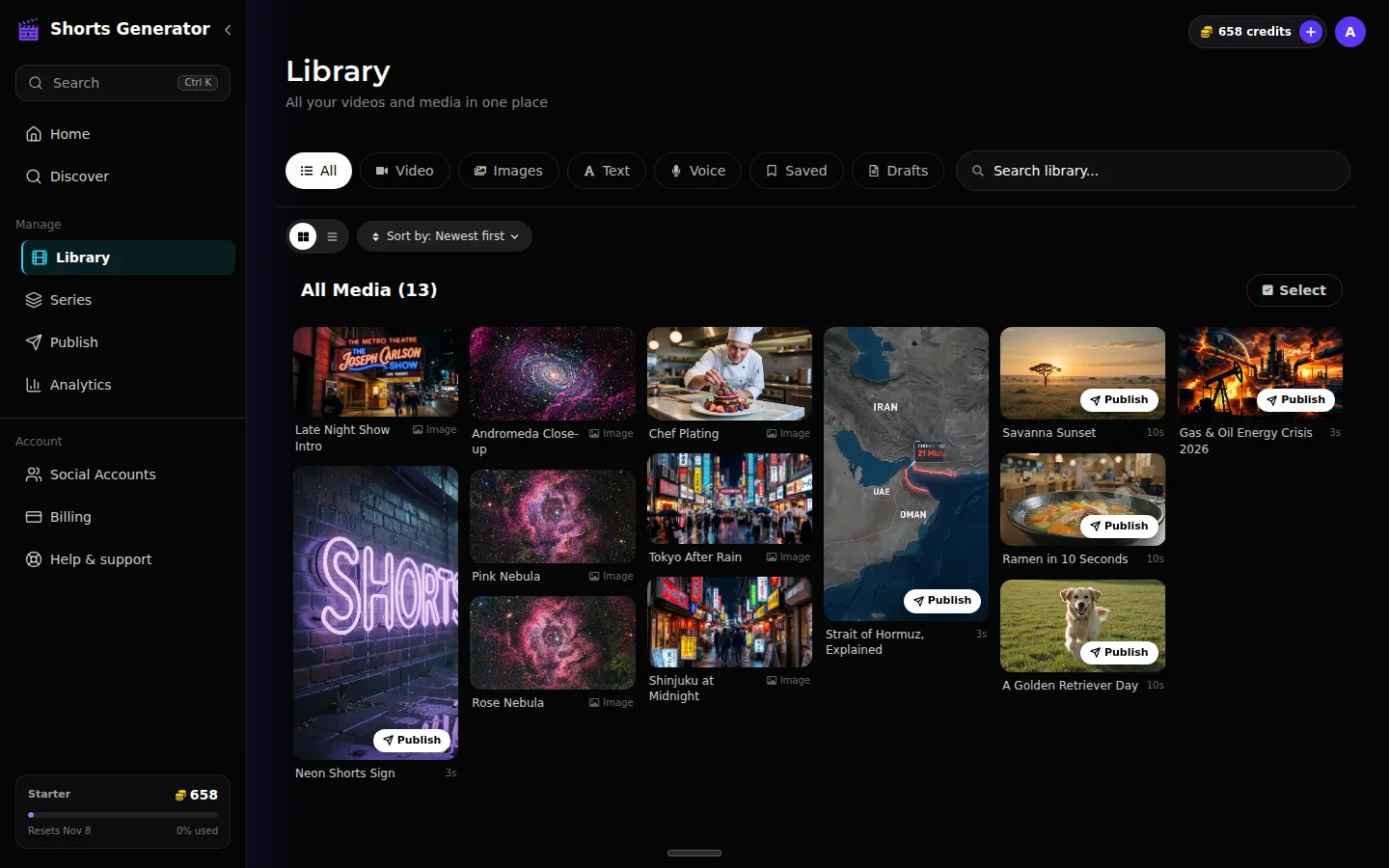
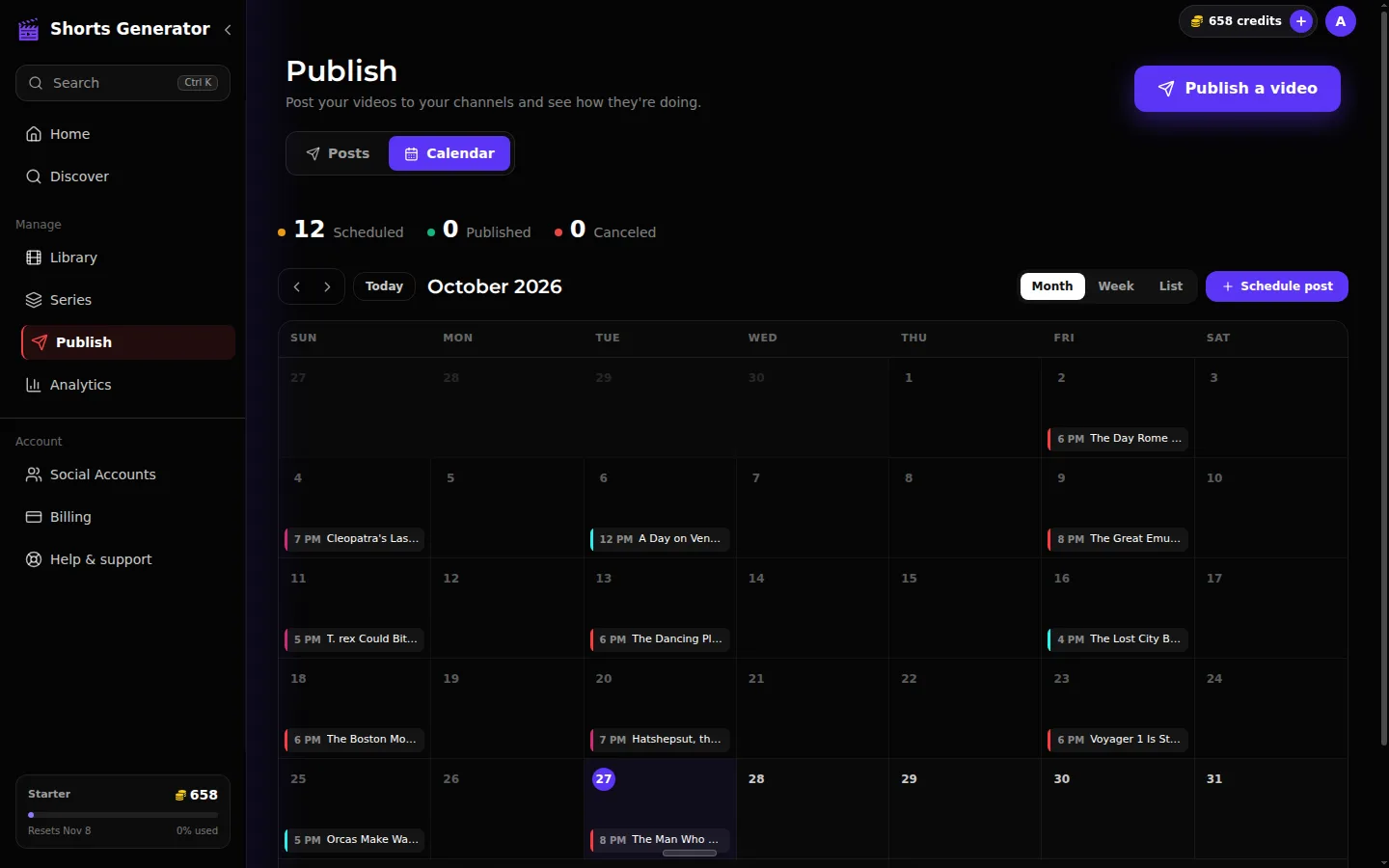
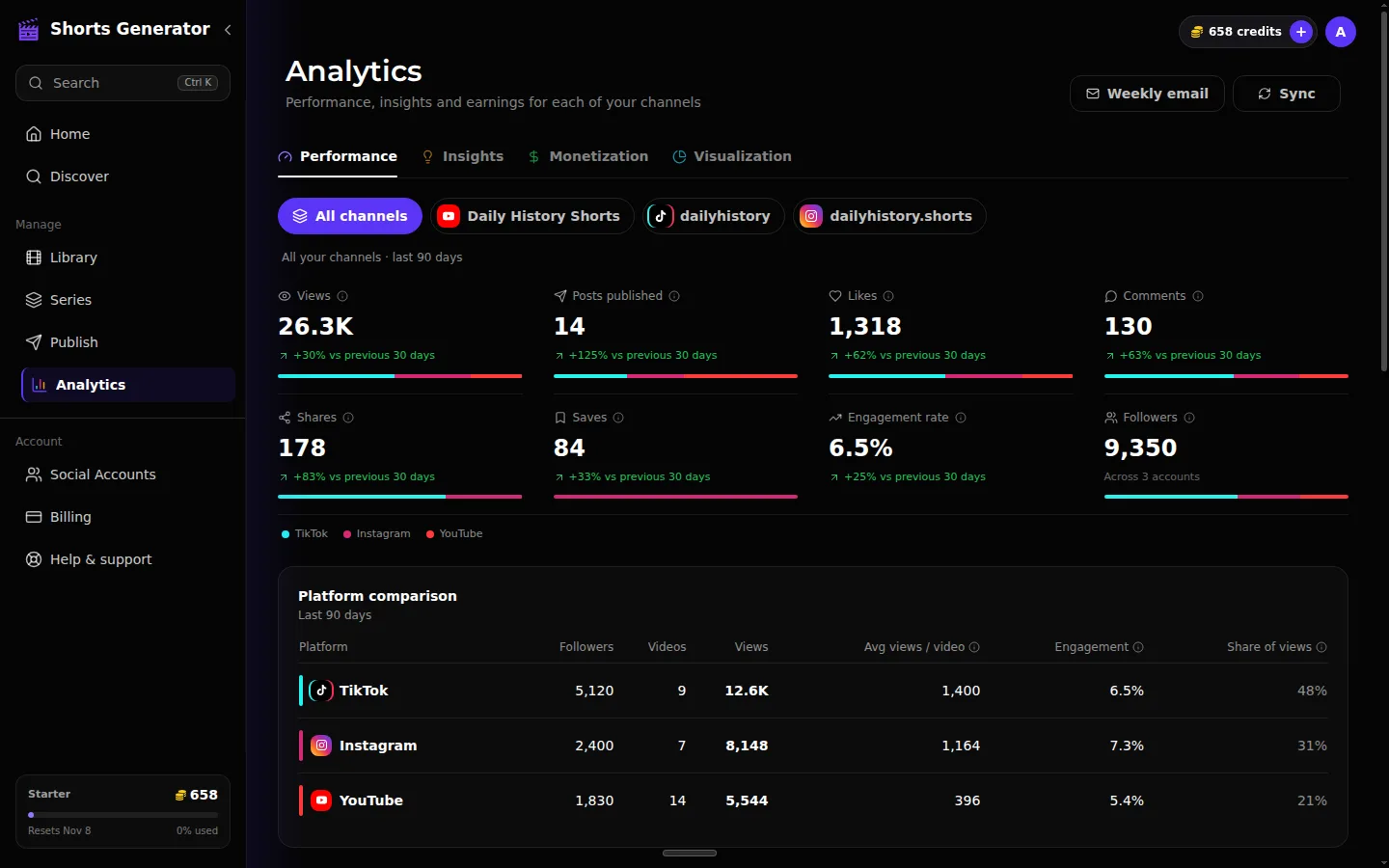
Everything you need to know before you start creating.
Yes. Signing up is free, and every new account gets free credits to make its first videos and see what the AI can do. To unlock them, new accounts confirm a card once; it keeps out spam accounts, and you'll see exactly what's charged before you confirm anything.
Credits are what videos, images and voiceovers cost to make, so you're never locked into a fixed number of videos. When you want more, you can buy a one-time credit pack or choose a monthly plan, and you can change or cancel your plan at any time.
Yes. It's made for people who have never edited a video. You describe what you want in a sentence, like "a cute cartoon cat trying to cook pancakes", and the AI writes it, makes the visuals and puts the video together. There's no timeline to learn and no software to install; it all runs in your browser.
If you're not sure where to start, the home page has ideas you can use with one click, and the Create with AI assistant can help you shape an idea, pick a format and answer questions along the way.
Short-form videos for TikTok, YouTube Shorts and Instagram Reels, made from a simple description. Choose AI Shorts for scenes generated from your idea, AI Avatar for a presenter who talks to the camera, or UGC Shorts for creator-style product videos made from your product photos. You can also make landscape and square videos.
Beyond video, you can generate images and thumbnails, write scripts, hooks and captions in the Writing Studio, and create voiceovers in the Voice Studio. With Series, you pick a topic and a schedule, and a new video is made and posted for you on autopilot.
As much as you want. You choose the format, the shape (vertical, horizontal or square), the length and the AI model, and you can add a style for the camera, look and mood. You can also add your own images or clips as references, so the video uses your product, character or footage.
For more control, the full editor lets you write or edit the script, pick the voice and set every option before you generate. Every video lands in your Library, where you can review it, make changes, and decide when and where it's posted.
A lot. Writing a script, finding or shooting visuals, recording a voiceover and editing it all together usually takes hours for a single short. Here it takes a sentence and a few minutes while the AI does the work.
It saves time after the video is made, too. You can publish to YouTube, TikTok and Instagram from one place, schedule posts for later, and see how every video is doing in one Analytics page. Set up a Series and new videos are made and posted on your schedule, so your channel keeps going even on busy weeks.
Tips, guides, and strategy for creators building on short-form video.


Free tools, AI video generators, and side-by-side comparisons.
10 pages
7 pages
Describe it, get a finished short, and post it to every channel from one place. No editing skills needed.